Google Sheet API Corvid App
Summary
Google APIs is a set of application programming interfaces (APIs) developed by Google which allow communication with Google Services and their integration to other services. The Google Sheets API is pretty powerful and you can utilize it for anything to data collection to data retrieval. It is even possible to perform calculations on google sheets with specified inputs and displaying the outputs.
App Features
- Connect any Google account and Google Sheet with 5 quick steps on the Configuration Page
- Input any data directly into a google sheet
- Data retrieval from Google sheets is automatic with a page refresh
- Able to manipulate data in your Google sheet and automatically display calculations
Introduction to the Sheets APIv4
The Sheets API allows developers to read, write, and format data in Sheets. The latest version of the Sheets API lets developers programmatically Read and write data format text and numbers, build pivot tables, enforce cell validation, set frozen rows, adjust column sizes, apply formulas, create charts, and more! For a good introduction on the Sheets API capabilities you can watch this intro video by Google that I found helpful!
For more information on the Google Sheets API visit the site here:
In particular, for this app I utilized two specific features of the Google Sheets API.
- Reading/writing cell values only (via the spreadsheets.values collection)
- Reading/writing any aspect of the spreadsheet (via the spreadsheets collection)
In particular, I created my app first by making a simple python command-line application that makes requests to the Google Sheets API. Because Corvid had a built in Node.js server, I had to then go back and work with javascript in the backend and make those changes.
Corvid Introduction
What is Corvid?
Corvid by Wix is a serverless, open development platform that lets you build professional web applications in a hassle-free environment. It is basically an accelerated enviroment for development of Web Apps that surpasses Wix's orignal capabilities. You still work in Wix's visual builder, but you are able to add custom functionality and interactions using Corvid APIs, and enjoy serverless coding in both the front-end and backend.
Corvid Features I Used in this App:
Coding
I was able to add my own JavaScript code to a Wix site and work with the Corvid APIs to add custom functionality and interactions to the app. Corvid also provides a full server-side runtime system based on Node.js. Node.js is an open source server environment. I exported my functions from the backend to the client-side using Corvid's web modules.Databases
When you enable Corvid you also automatically add Wix Data to your site, which lets you work with our built-in databases. I was able to collect all of the Google Sheet data and directly input them in a Wix Collection. Once you've got databases enabled on your site, you can use Wix's visual builder to connect your data to elements on your site, capture user input, and create dynamic pages. You can also define your own dynamic pages with our custom routers.Open platform
Lastly, Corvid lets you extend your site’s functionality to other services. You can install NPM packages, use our fetch to call external APIs, and expose your site's functionality as an API with our http functions. For this project, I downloaded the googleapi package to utilize the Sheets API.
Site Structure
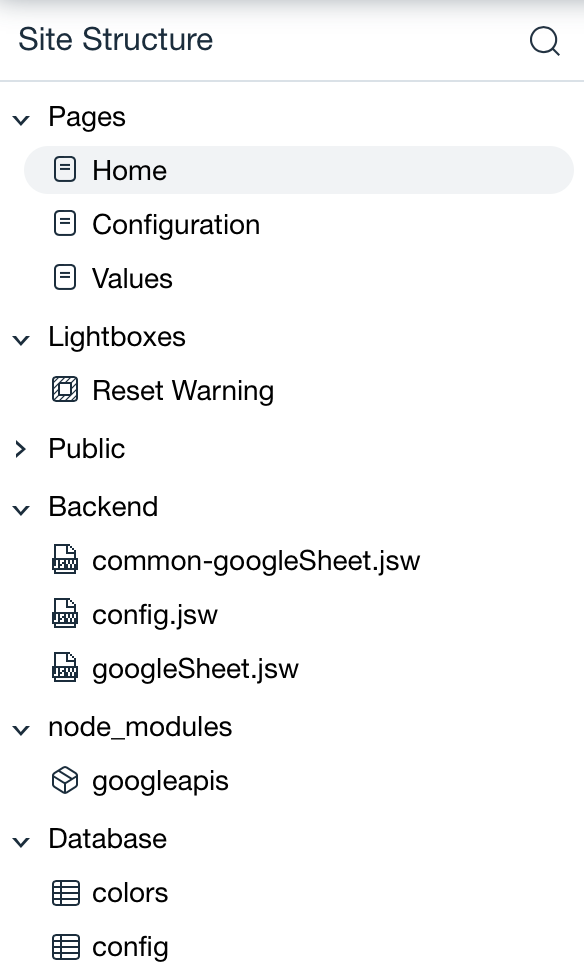
Pages
There are three main pages in this App:
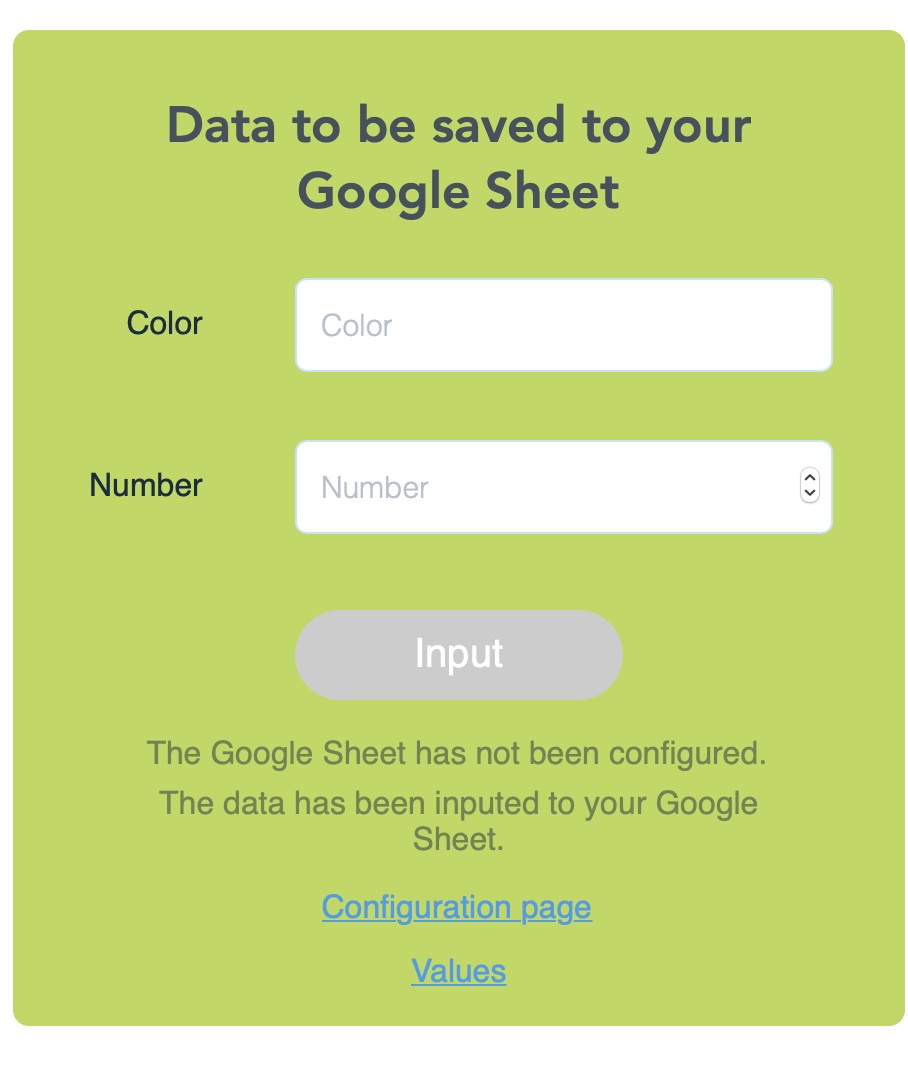
- Home: Here is the page where you are able to input data to your Google Sheet
- Configuration: This is where you set up your Google Account and Google Sheet to work with the App.
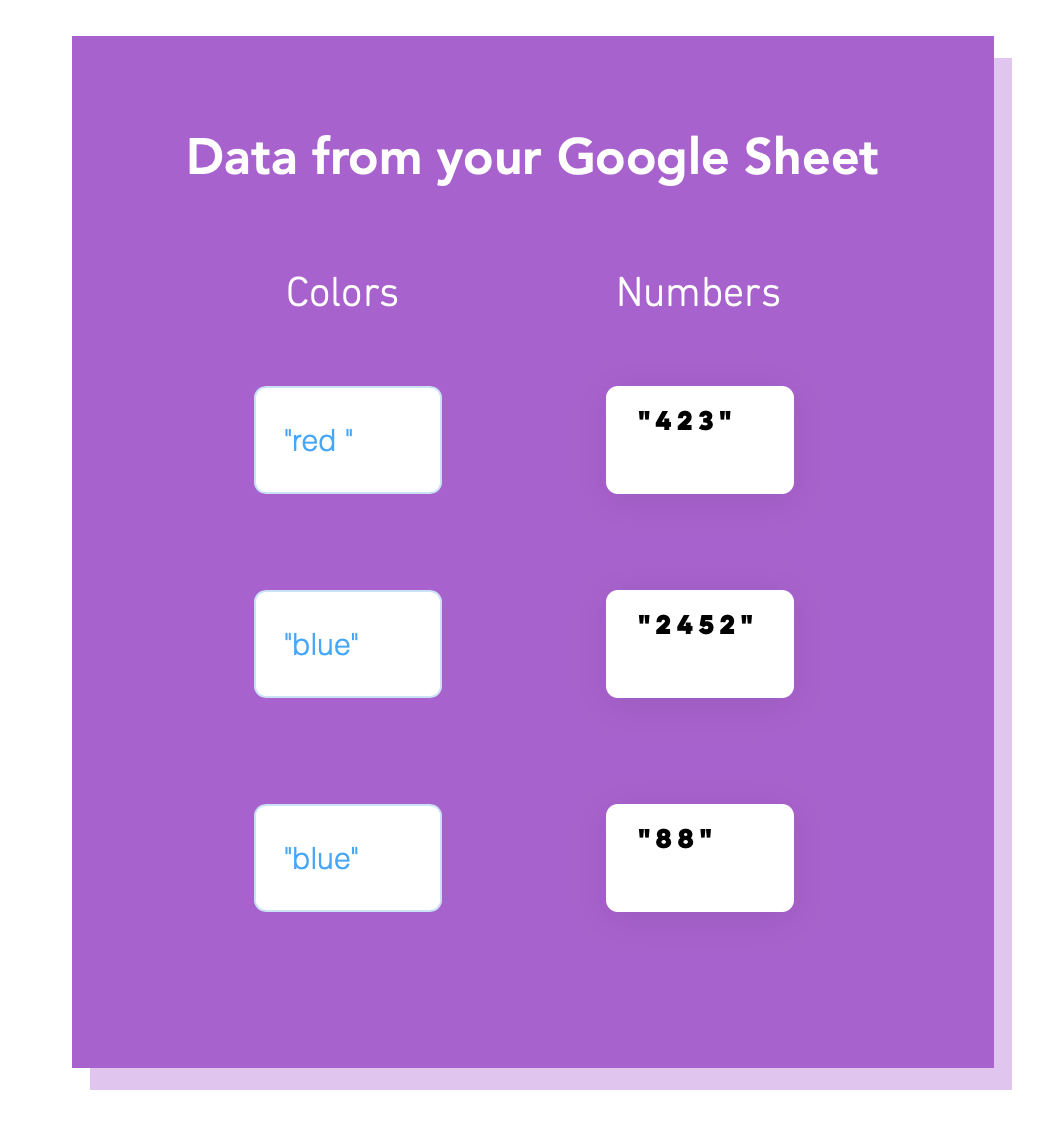
- Values: This is where the data from your Google Sheet will Appear.
Backend
Again, there are three main backend JavaScript files in this App:
- common-googleSheet: Handles all of the functions to connect to the Google Sheet
- config.jsw: Handles all of the Google Auth 2.0 functions
- googleSheet.jsw: Handles all of the Google Sheet API specific functions
Node_modules
Installed the Node.js client library for using Google APIs. Support for authorization and authentication with OAuth 2.0, API Keys and JWT tokens is included.
Collections
Created a database for storing the Configuration tokens and Google Sheet data
Google OAuth 2.0: Authorizing my App to Connect to Any Google Account
Google APIs use the OAuth 2.0 protocol for authentication and authorization.
What is OAuth?
OAuth doesn’t share password data but instead uses authorization tokens to prove an identity between consumers and service providers. OAuth is an authentication protocol that allows you to approve one application interacting with another on your behalf without giving away your password.
Google supports common OAuth 2.0 scenarios such as those for web server, installed, and client-side applications. To begin, obtain OAuth 2.0 client credentials from the Google API Console. Then your client application requests an access token from the Google Authorization Server, extracts a token from the response, and sends the token to the Google API that you want to access.
Front End
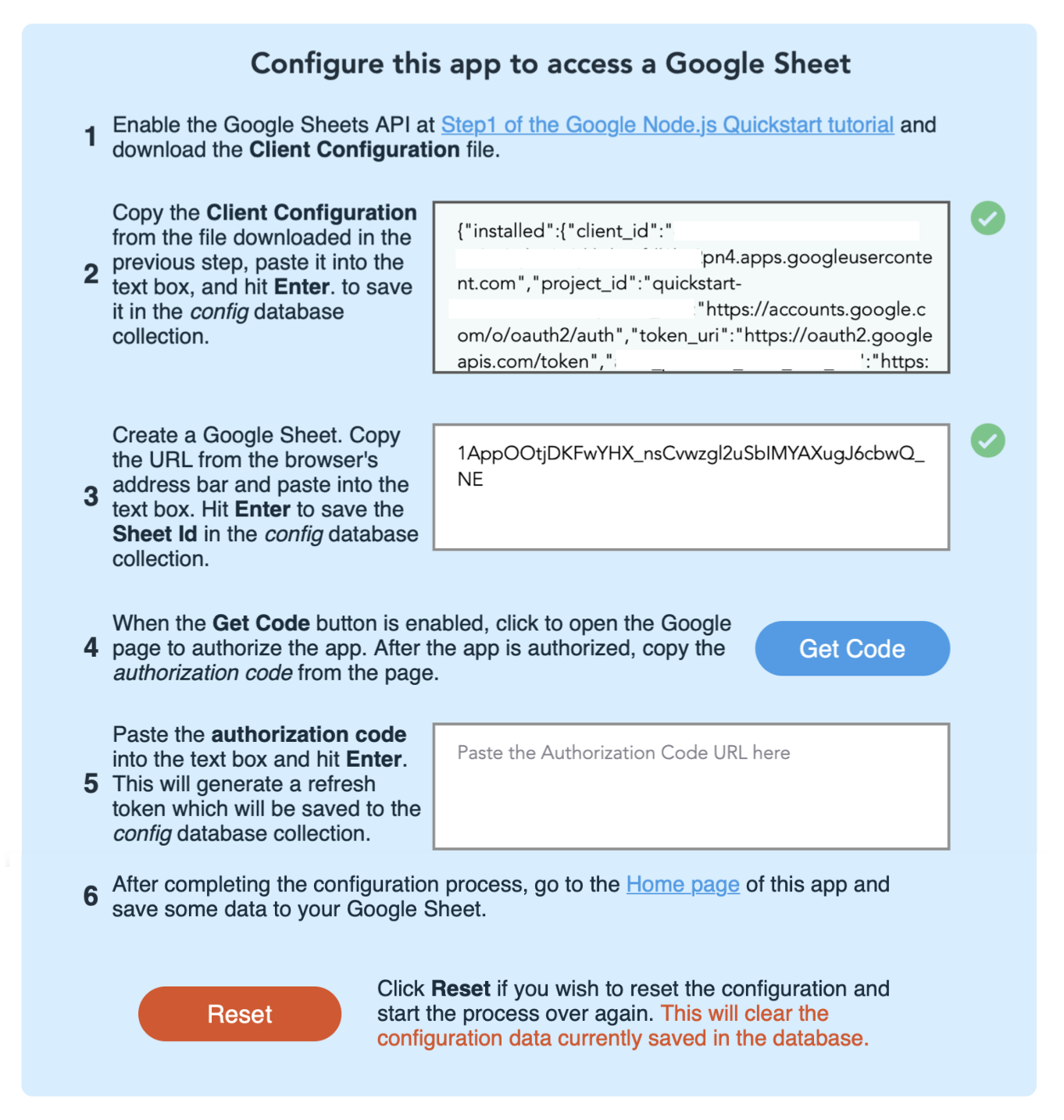
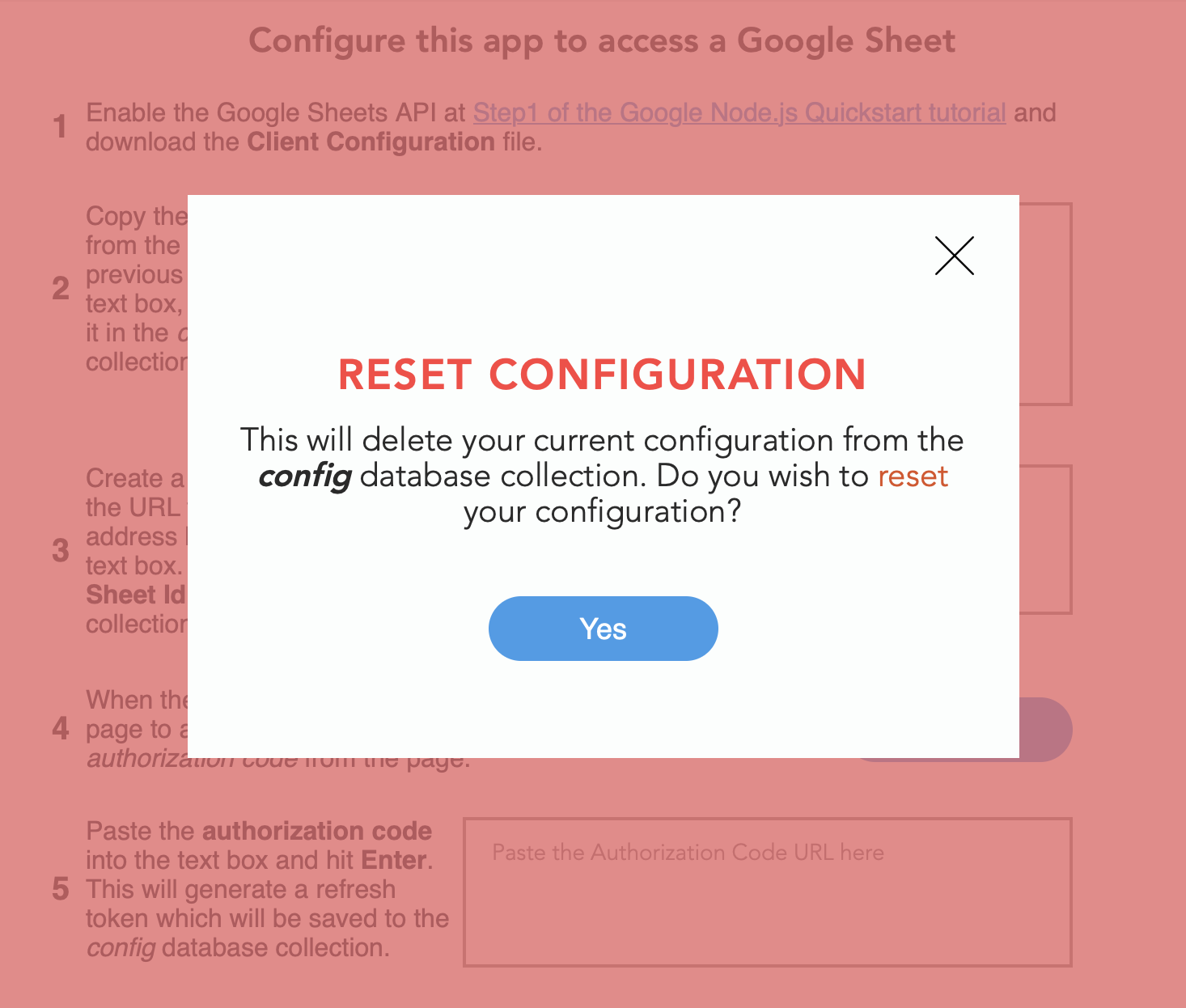
Configuration Screen
Here is the configuration screen in the app. These
Utilizing the Sheets API Functions
Here I will be explaining the functions to pull data
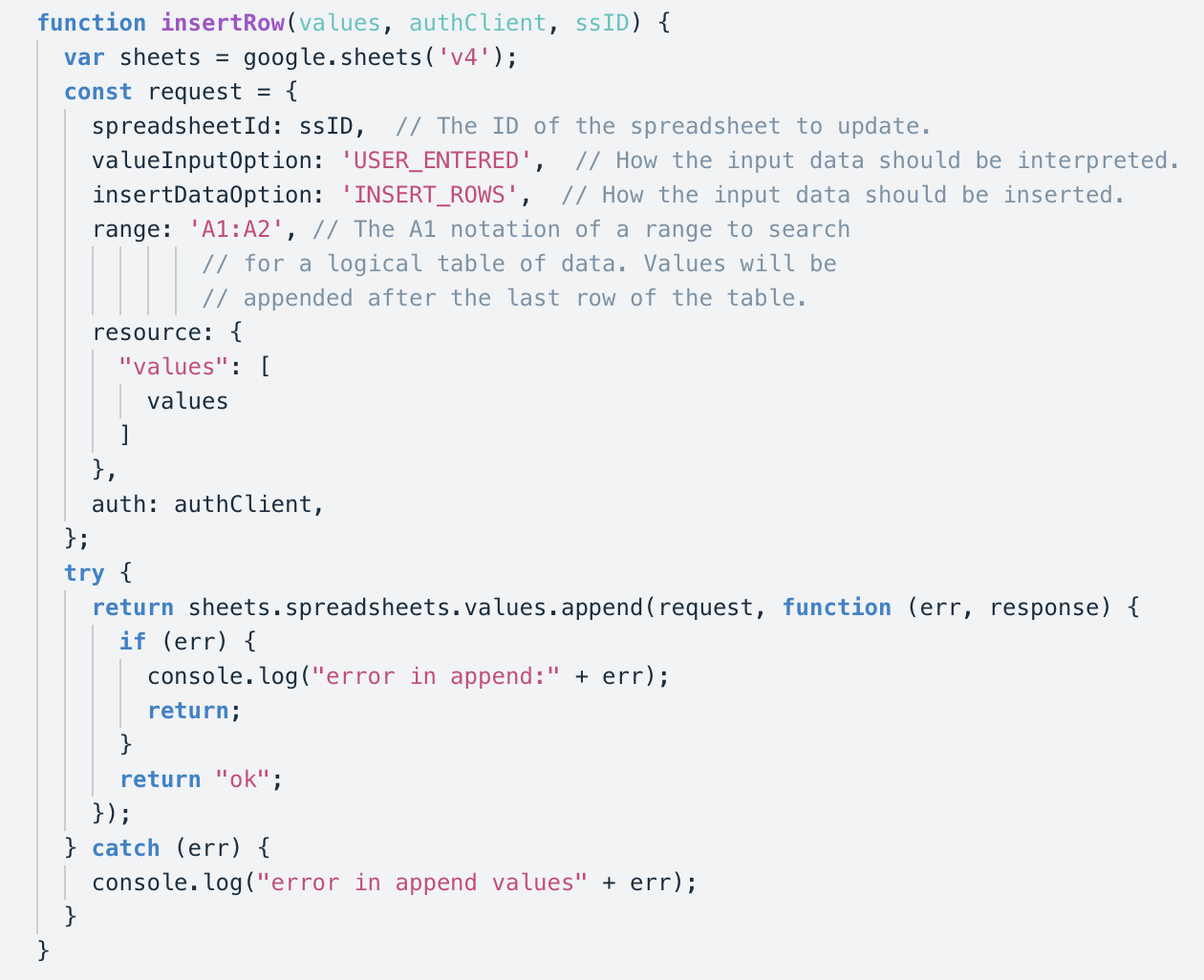
Insert Row to Google Sheet Function
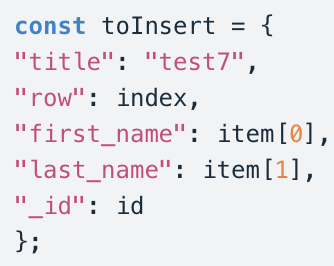
This function allows you to insert data into any google sheet in any cell with the manipulation of a few variables
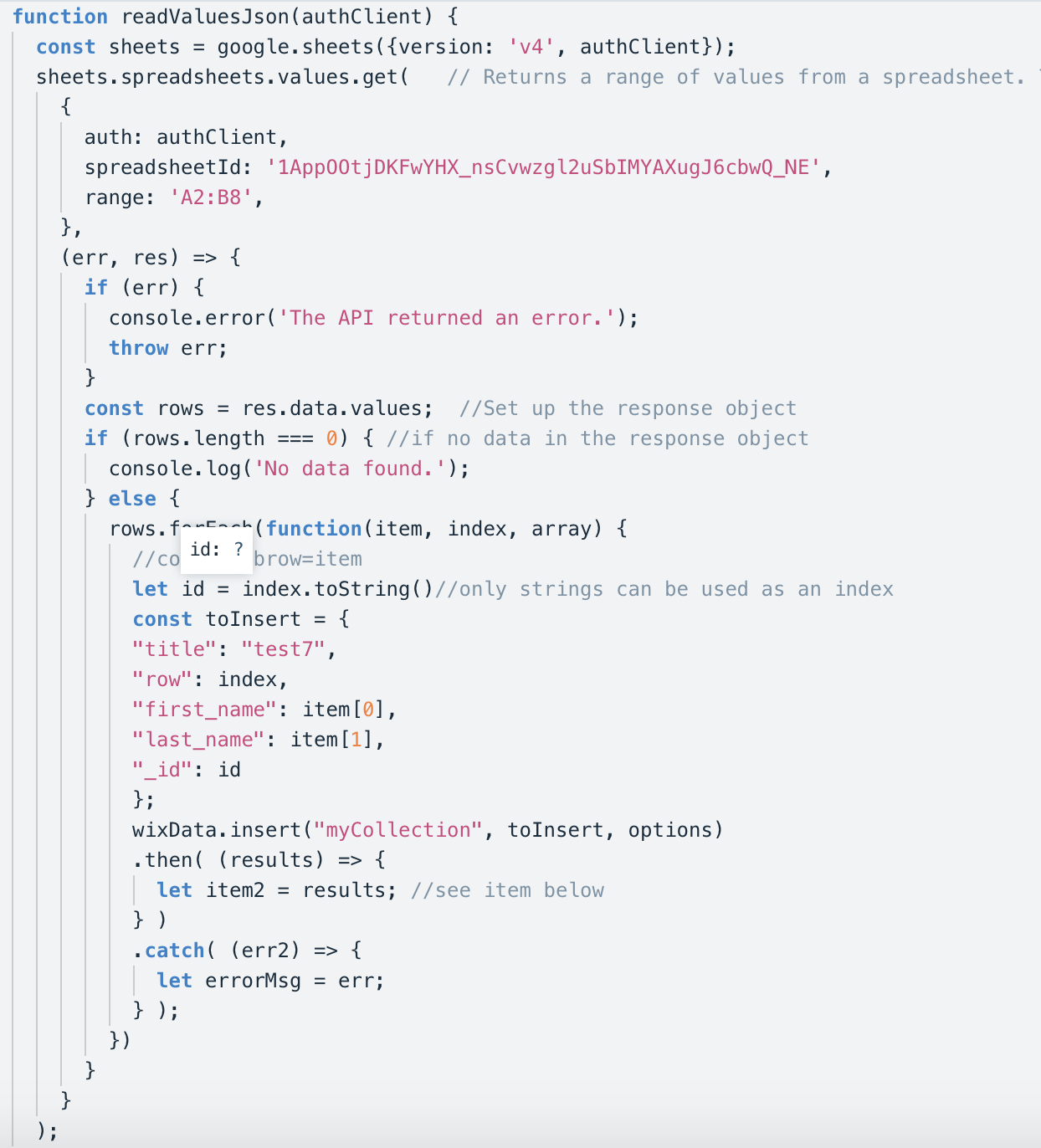
Read Values from Google Sheet Function
This function allows you to pull data from any google sheet in any set of cell ranges.